
30 Day Free Trial
No credit card required. Cancel anytime.
Aifinitive Statistics
Active Users
Total Hours Tracked
Tasks Completed
Payments
How AIfinitive Turns Hours Into Billable Money

The AI picks up the work your team does across apps, tabs, and tools, and attaches each minute to the project it belongs to. Nothing goes into the day without a name on it.

When the work pauses, the AI knows. Those minutes do not get billed. The client pays for the hour that was actually worked, and you sleep knowing the number is clean.

Instead of scrubbing through an entire day, the AI flags the moments worth looking at. Long idle blocks, sudden activity drops, the hour a task quietly stalled. The replay starts where the answer is.

Every billable hour comes with the quiet record behind it. The apps used, the tasks touched, the screens worked on. If the question ever comes, the answer is already there.
Five Quiet Capabilities That Protect Every Billable Hour


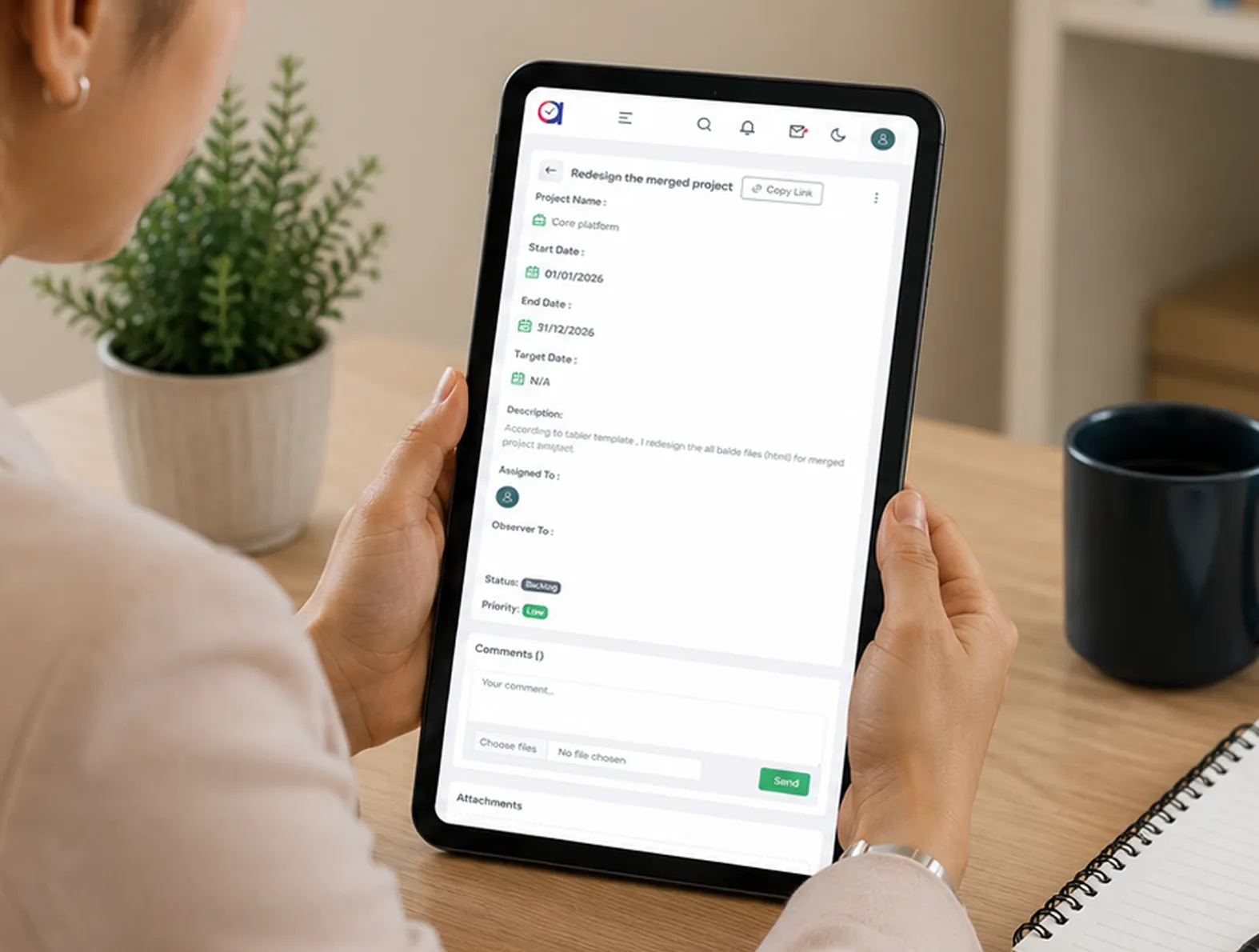
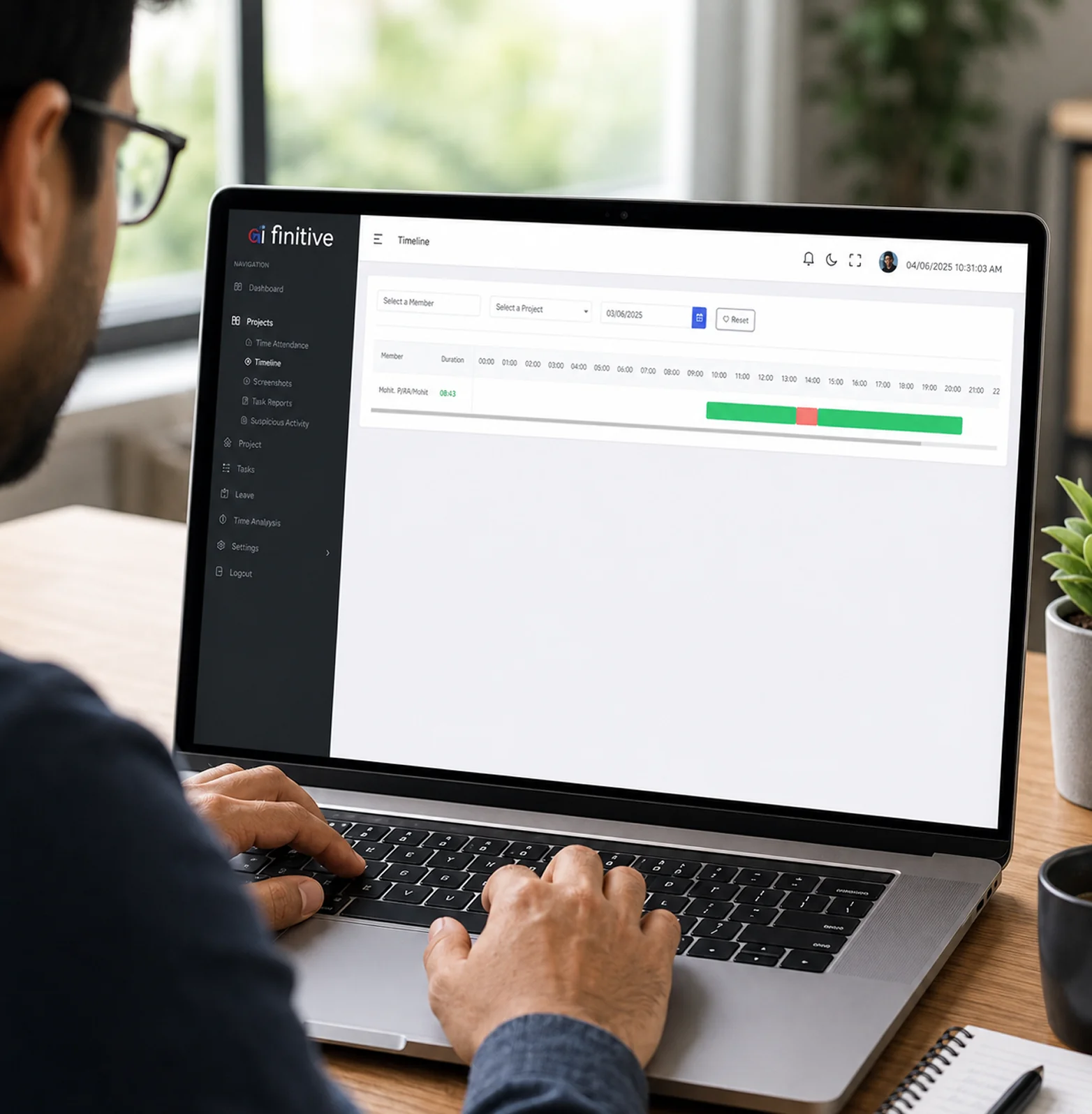
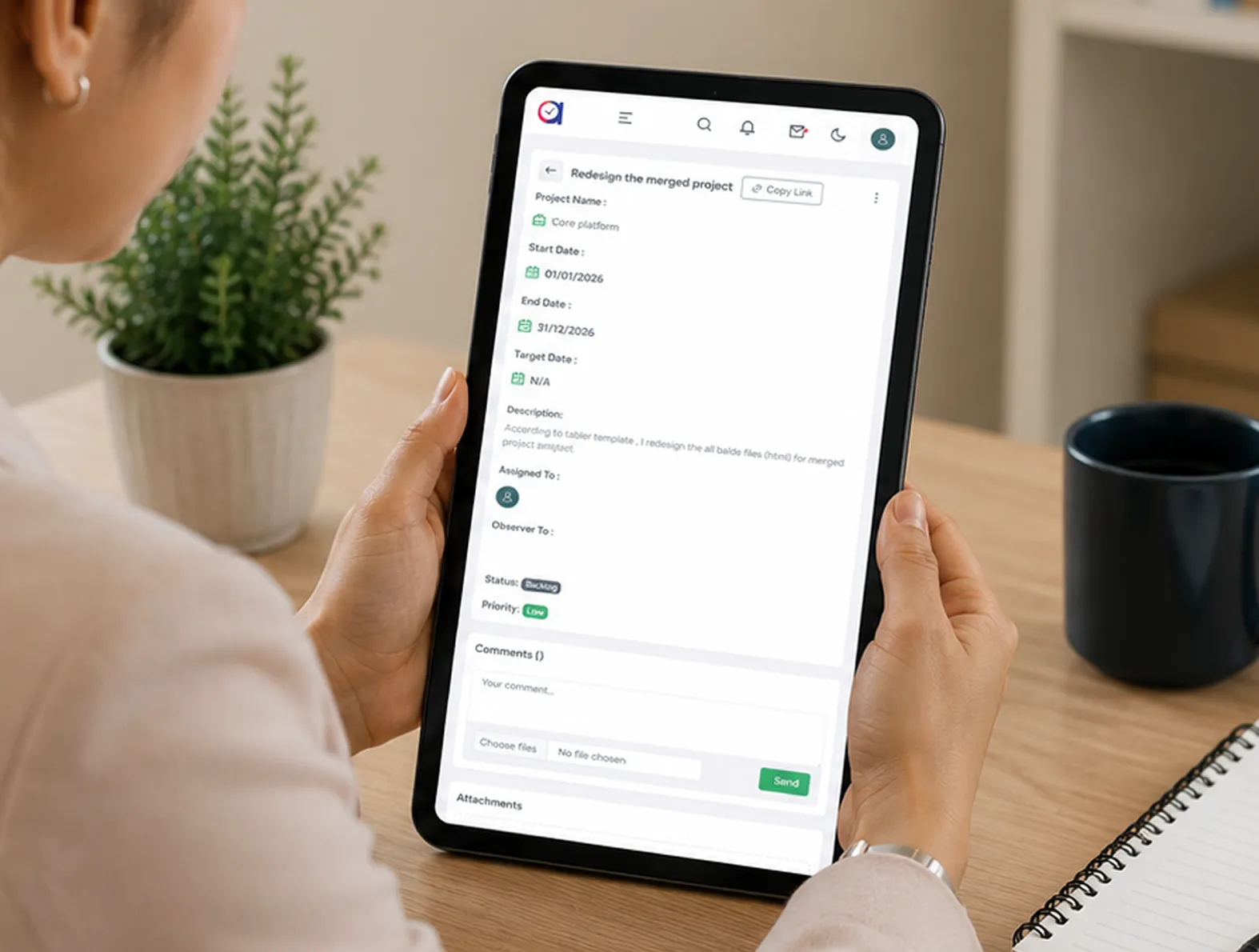
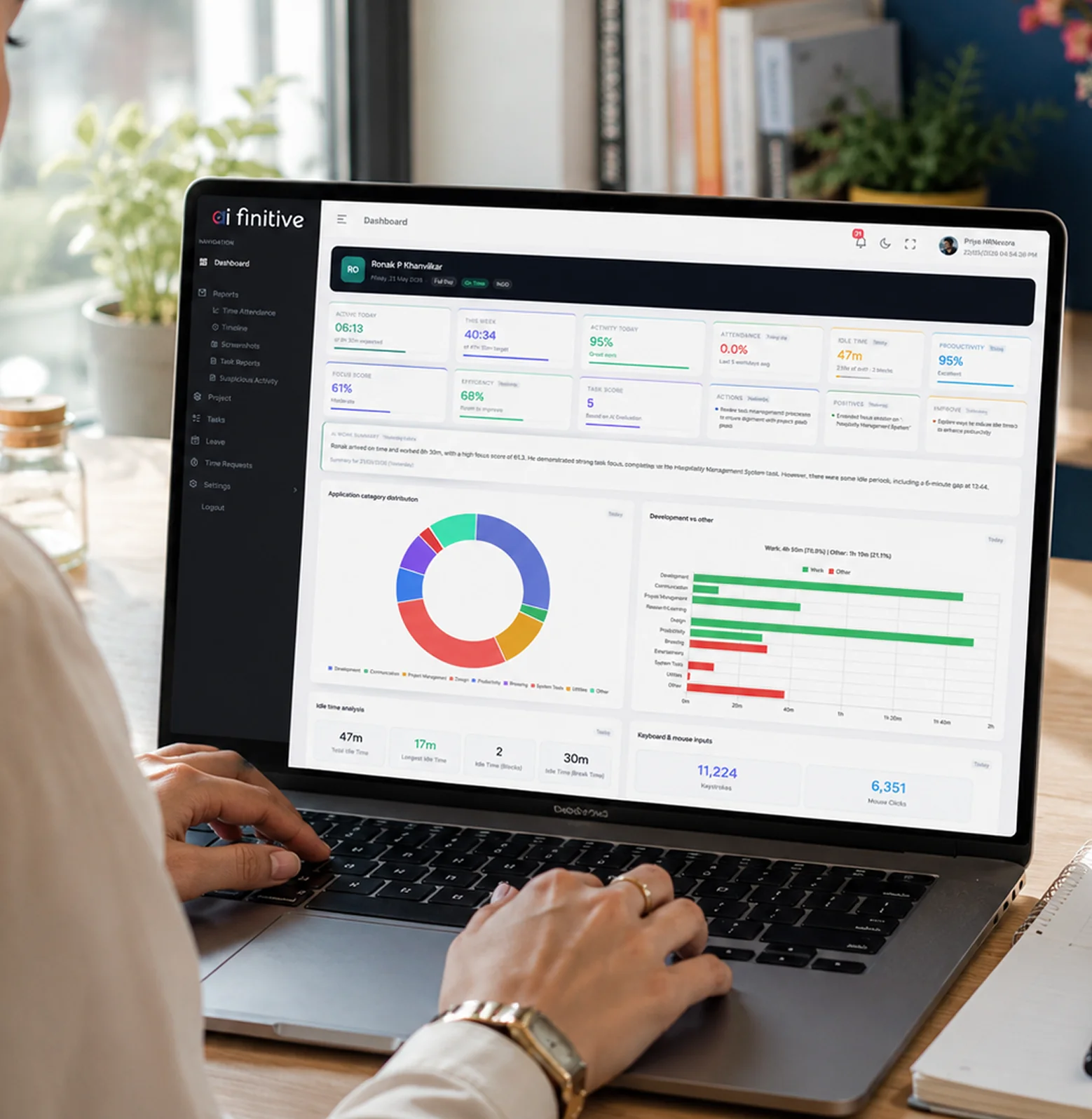
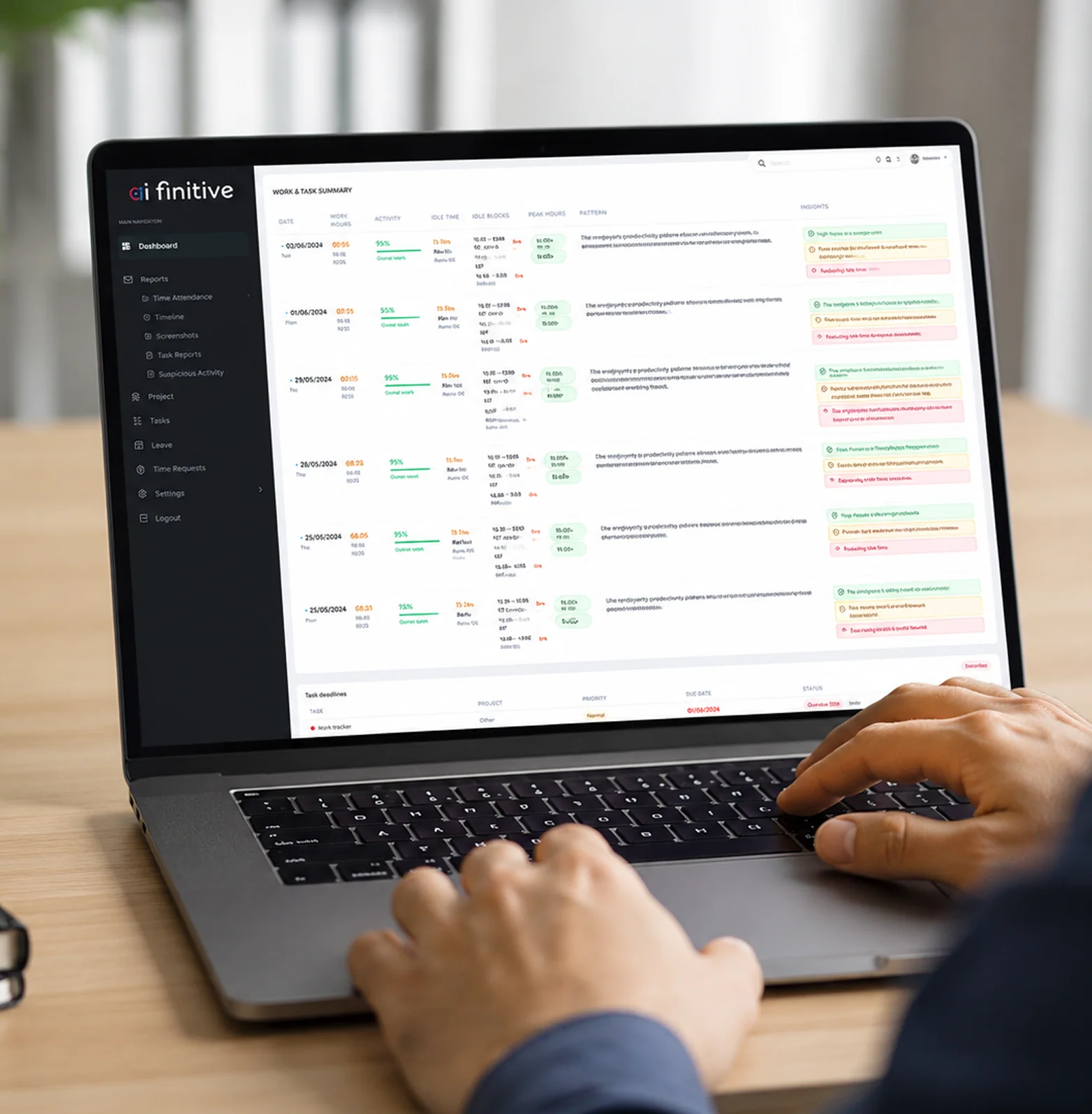
How AIfinitive Tracks Billable Hours and Generates Client-Ready Proof Automatically
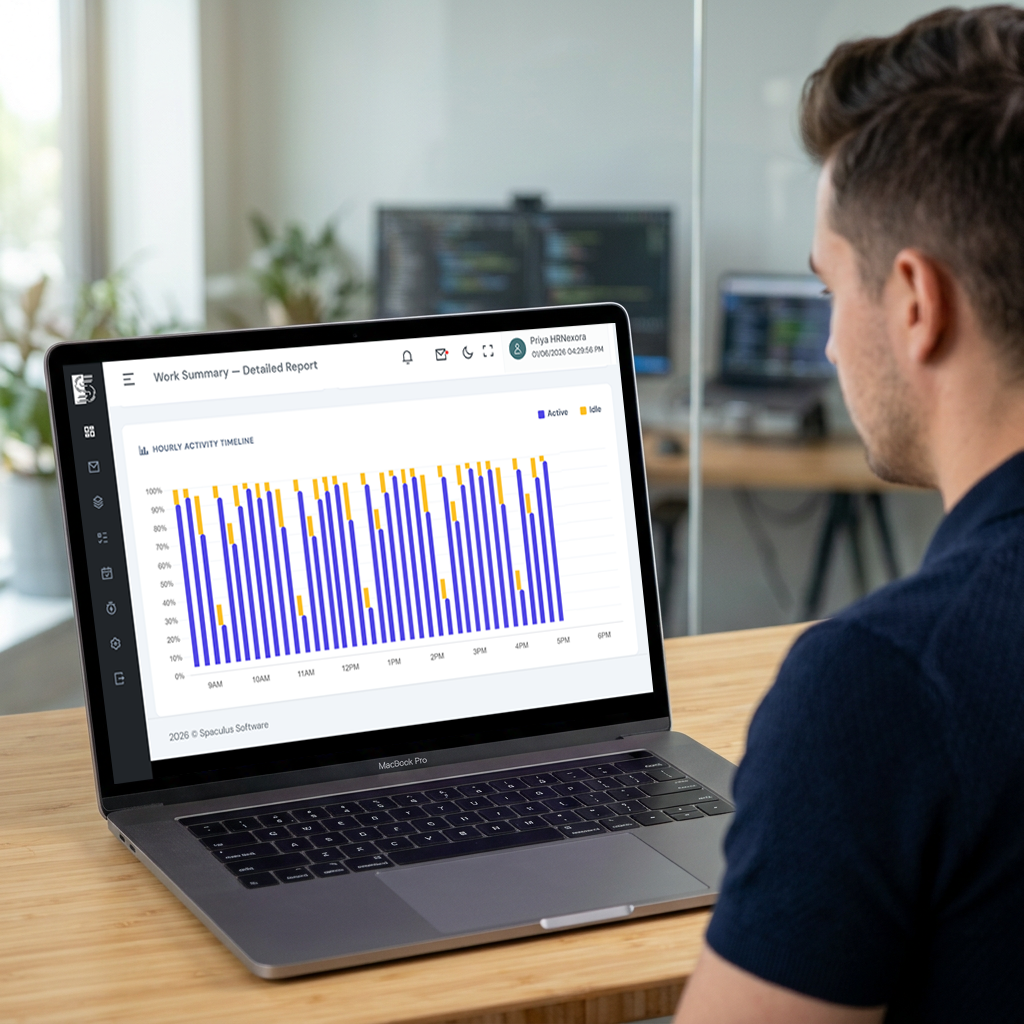
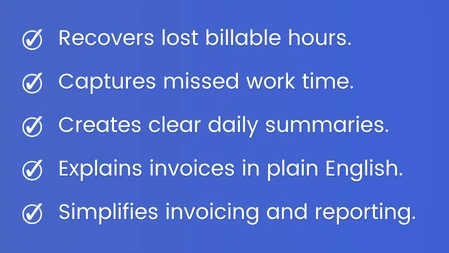
-
 The AI Recovers the Hours You Were Losing
Every week, a few hours slip through the cracks between apps, meetings, and context switches. The AI catches them and puts them back on the invoice. Most teams see the recovered hours pay for AIfinitive many times over.
-
AI Work Summaries Tell the Story Behind Every Invoice
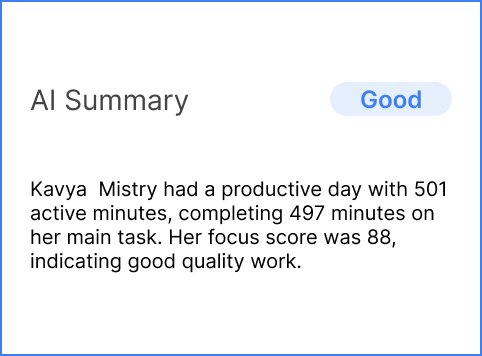
Each day, the AI writes a plain English summary of what your team worked on, which tools they used, and what was delivered. When a client asks what the hours were for, the answer is already waiting, in language a non-technical buyer can read without asking a second question.
-
Detailed Reports, Ready to Send Without Cleanup
Every hour, every task, every project, already sorted and grouped the way your finance team and your clients need it. Export the report, attach it to the invoice, move on with your day. No spreadsheets to rebuild, no columns to tidy.
Our Strengths
 The Billable Hour Keeps Counting, Even Offline
When the device drops off the network, the AI keeps the time tracked locally. Every offline minute returns to the invoice the moment the connection is back. No lost hours, no gaps in billing.
 Track Time From the Phone Already in Their Pocket
One tap to start the hour. One tap to close it. Your team logs billable work from the phone they already carry, and every hour lands on the right client automatically.
 Every Billable Hour Stays Inside Your Walls
End-to-end encrypted, regionally hosted, role protected. Your client data, your project hours, and your invoice records stay yours. Nothing ever leaves to train any model outside your business.
Transform Field Team Productivity with AI
Join 5,000+ businesses using AIINFINITIVE to track employees and boost efficiency.
