
30 Day Free Trial
No credit card required. Cancel anytime.
Aifinitive Statistics
Active Users
Total Hours Tracked
Tasks Completed
Payments
How Monitoring Works at
AI Infinitive

The AI takes screenshots at the intervals you set, quietly, in the background. Frequent enough to leave nothing missing. Light enough that nobody on the team feels the camera is on.

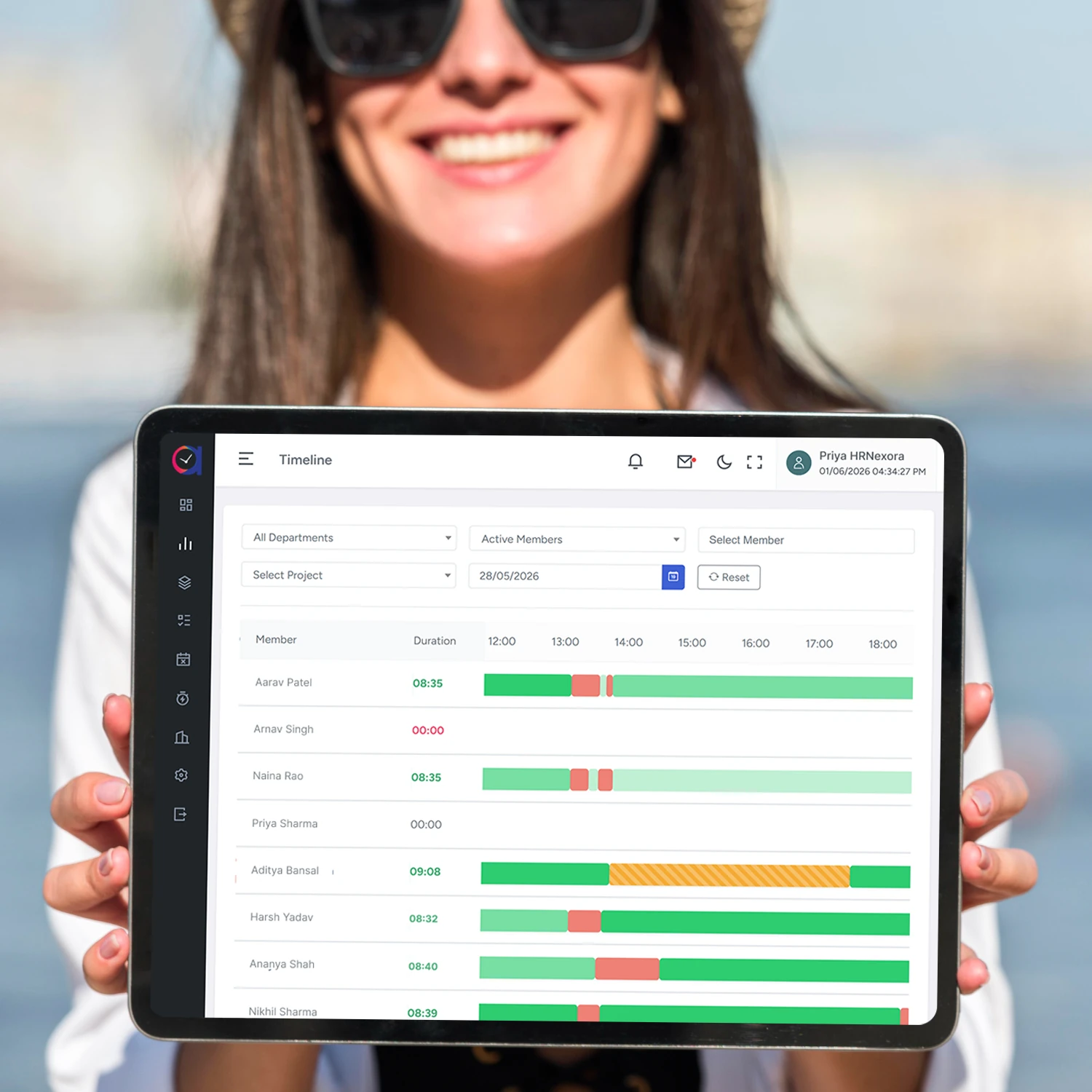
Every screen, every app switch, every active and idle stretch, threaded together into one continuous timeline. You scroll through any hour the way you scroll through a video.

Instead of scrubbing through an entire day, the AI flags the moments worth looking at. Long idle blocks, sudden activity drops, the hour a task quietly stalled. The replay starts where the answer is.

The screens stay stored discreetly until a day is questioned. Then they appear, in seconds, with the AI's read of what was happening. The argument ends before it starts.
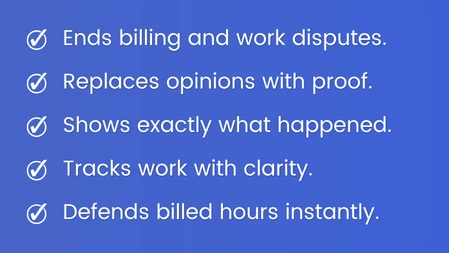
The Five Things That Make the Day Replayable


What Quietly Changes Once the Day Becomes Replayable
-
 The AI Ends the Arguments You Used to Lose
When a client questions the hours, when a contractor disputes the brief, when a team member remembers the day differently, the timeline answers it in seconds. The conversation stops being opinion versus opinion.
-
The AI Replays What You Were Never There to See
You stop relying on memory, status updates, or what someone says happened. Any hour of any day, scrolled back like a video, with the AI's read of what was on the screen and what it meant.
-
The AI Hands You the Calmer Week
The hours you used to spend chasing what happened, defending what was billed, and second-guessing what was claimed, handed back to you. The proof was being captured the whole time. You just have to look.
Our Strengths
 The Screens Keep Recording, Even Offline
The AI captures every screen locally when the connection drops, then quietly stitches them into the timeline once the device is back online. No missing frames, no offline gaps.
 The Timeline Travels With Your Team
Every captured screen is available on the dashboard you already use, on any device. Open the laptop, open the phone, scroll back to any hour. The reel is always with you.
 Every Screen Stays Inside Your Walls
End-to-end encrypted, regionally hosted, role protected. The screens the AI captures are visible only to the people you decide, and never used to train any model outside your business.
Transform Field Team Productivity with AI
Join 5,000+ businesses using AIINFINITIVE to track employees and boost efficiency.
